Works on managed school Chromebooks
Coding on Chromebooks, with nothing to install
Made in Class runs entirely in the browser. Students write HTML, CSS, JavaScript and Python on the same Chromebooks they already use, with no Linux setup, no extensions and nothing for IT to deploy.
Why coding on Chromebooks is usually a hassle
Most coding tools expect a "real" computer: an installed editor, a Python download, a terminal. School Chromebooks are locked down, Linux is usually switched off, and extensions need IT approval. So classes end up with a tool that does one language, or with an afternoon lost to setup.
Made in Class skips all of it. The editor, the live preview and Python itself run in the browser tab, so if a Chromebook can open a website, it can run your lesson.
What students can do on a Chromebook
- Build web pagesHTML, CSS and JavaScript with the page running live next to the code.
- Make gamesCanvas games with keyboard controls, scores and levels, like Snake and Pixel Jumper.
- Write PythonReal Python 3:
input(), loops, functions, multiple files, even numpy. - PublishEach project gets its own link and lands on the student's portfolio.
- Find their bugsErrors show with the line they happened on, in a console above the preview.
- Never lose workIt saves as they type, and every published version can be brought back.
For the IT team
- Nothing to deploy. No app, no extension, no Linux container. It's a website.
- Allow three hosts:
madeinclass.com,sites.madeinclass.comandcdn.jsdelivr.net(Python's runtime). - No student email. Students sign in with a class code and a secret word that their teacher hands out.
- Student code is sandboxed. Previews and published projects run in sealed sandboxes, so one student's code can't read another's, or the app's.
- First Python run. Python takes a few seconds to load the first time (longer on busy school Wi-Fi), then it's quick.
Rolling it out to a whole school or district? Use the form at the bottom of the home page and we'll help with setup and privacy agreements.
A first lesson that works on any Chromebook
- Students open Snake and play a round.
- They press Remix this to get their own copy of the code.
- They change the speed and the board size with
SPEEDandSIZE, the settings at the top ofgame.js. - They pick a challenge from the project page, like a golden apple worth 5 points.
- They press Publish and share the link.
Try one on your Chromebook right now
The whole Remix Library →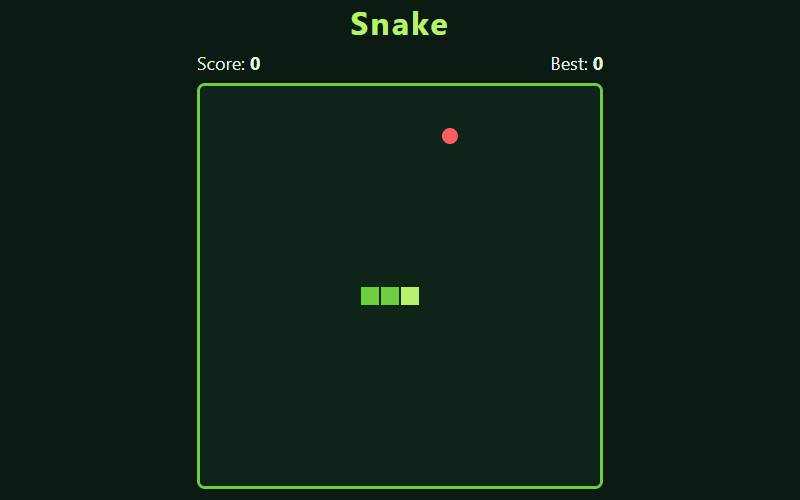
Snake
The classic: eat the food, grow longer, don't bite yourself.
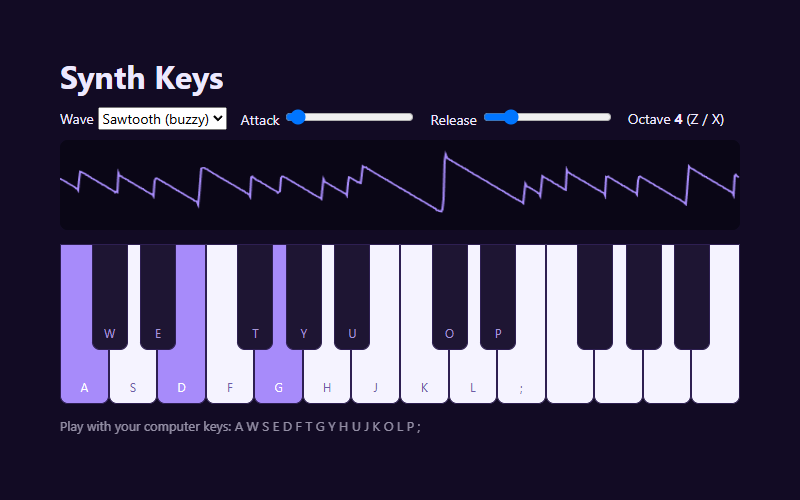
Synth Keys
Play a synthesizer with your keyboard. Pick a waveform and watch the sound wave live.
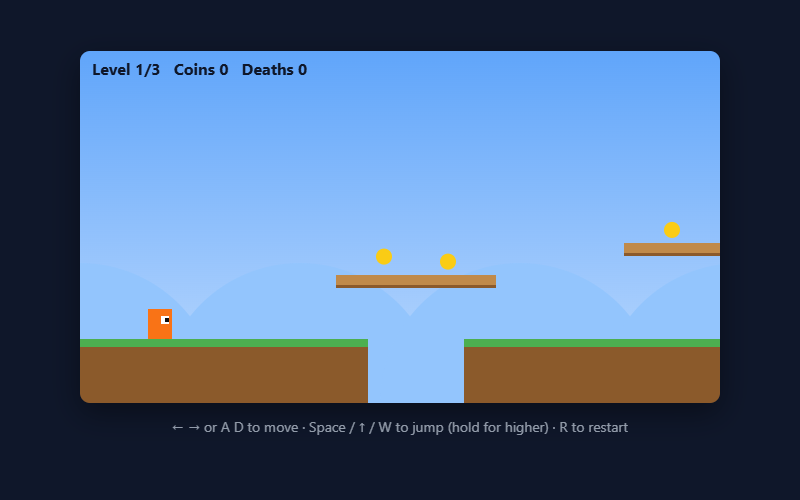
Pixel Jumper
A platformer with 3 levels: run, jump, grab coins, dodge spikes, reach the flag.
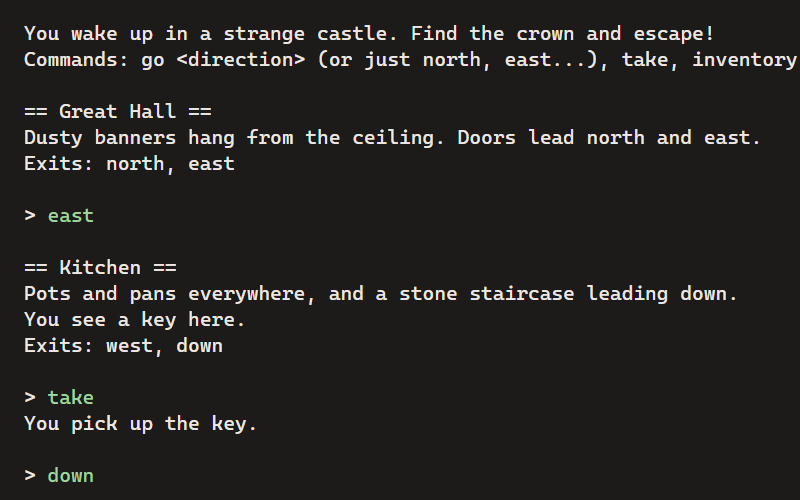
Castle Escape
A text adventure: explore the castle, find the crown, and get out. Type commands to play.
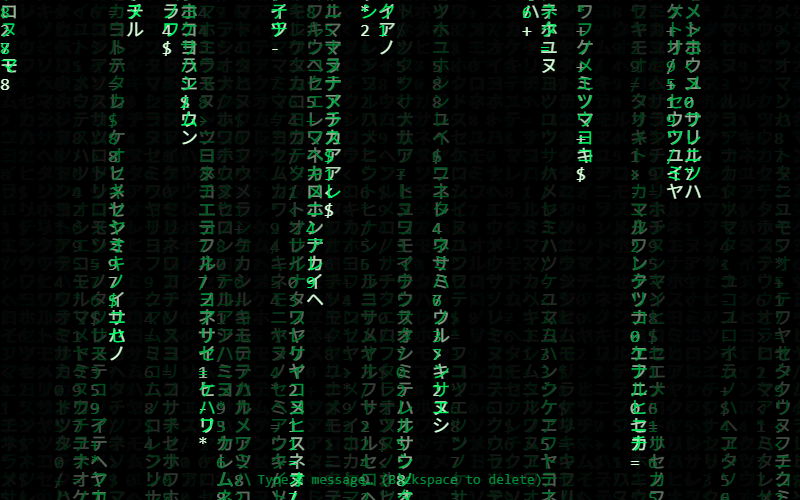
Matrix Rain
The famous falling green code. Type a message and watch it hide in the rain.
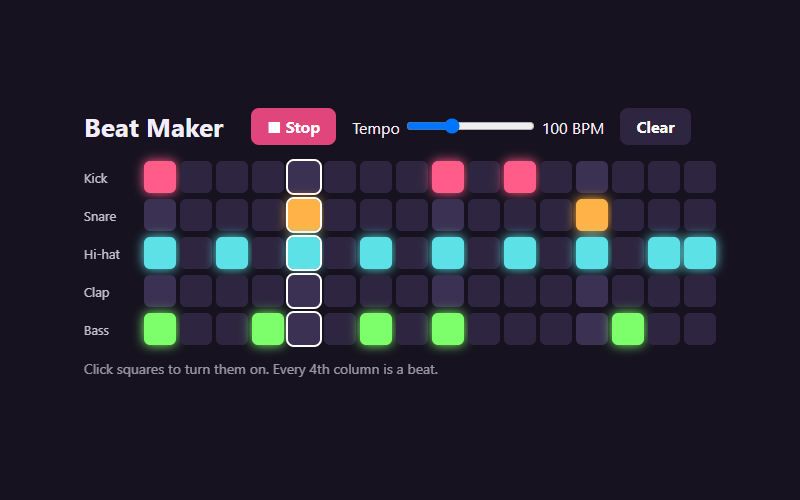
Beat Maker
A 16-step drum machine. Every sound is synthesized from scratch with code.
Questions
Do students need to turn on Linux or install anything?
No. Everything, including Python, runs inside a normal Chrome tab.
Does it work offline?
No. It needs an internet connection to load projects and save work. Work saves as students type, so a dropped connection loses very little.
Which sites does our web filter need to allow?
madeinclass.com for the app, sites.madeinclass.com for published student projects, and cdn.jsdelivr.net, which Python loads from.
Can students use their Google accounts to sign in?
Not yet. They sign in with a class code and a secret word, which needs no email.
Does it cost anything?
No. It’s free for teachers, students and families, with no ads.
What about iPads or Windows laptops?
Any device with a current Chrome, Edge, Firefox or Safari works. Typing code is much easier with a keyboard, though.
More guides
- A Trinket alternativeTrinket closed in August 2026. Here’s what carries over, what doesn’t, and how to move a class.
- Python for kidsReal Python 3 in the browser, with games and projects to start from.
- Coding for homeschoolLogins for each kid, work kept private to your family, and a path through the projects.
- The docsEverything else, step by step.
Try it now. It's free.
No install, no credit card. Kids can start as a guest; grown-ups can set up a class or a family in minutes.