Real Python 3 · free · nothing to install
Python for kids, right in the browser
Kids write real Python 3 in a browser tab, on a Chromebook or any computer. Start from a text adventure, a chatbot or a code-breaker, see how it works, and change it until it's theirs.
Why Python is a good first language
Python reads almost like English, so kids spend their time on ideas, not punctuation. It's also the real thing: the language behind a lot of science, data and AI work. What they learn here keeps being useful.
import random

secret = random.randint(1, 20)
guess = 0

while guess != secret:
    guess = int(input("Guess my number (1-20): "))
    if guess < secret:
        print("Higher!")
    elif guess > secret:
        print("Lower!")

print("You got it!")
That's a whole game in about a dozen lines. Paste it into a new Python project and press ▶ Run.
What makes it work for kids
- Nothing to installPython runs in the browser tab, even on a locked-down school Chromebook.
- Typing answersWhen a program calls
input(), a text box appears right in the output. - Errors that helpMistakes show in red with the line number, so kids learn to find their own bugs.
- Stop always worksPython runs in the background, so a runaway loop never freezes the page.
- More than one fileSplit a program into files and
importthem, like real projects do. - Saved as they typeAnd every published version can be brought back.
A path through the Python projects
- Castle Escape: a text adventure. Learn
input(), loops, lists and dictionaries by adding rooms. - ChatBot Buddy: a rule-based chatbot that remembers your name and tells jokes. Teach it new things to say.
- Secret Codes: encrypt messages with a Caesar cipher, then crack one without the key.
- Rock Paper Scissors AI: a computer that learns your habits and predicts your next move.
- ASCII Art Studio: giant banners and the Mandelbrot fractal, drawn with nested loops.
- Probability Lab: roll dice 10,000 times and estimate π with random darts.
- Maze Maker & Solver: generate a maze with depth-first search and solve it with breadth-first search.
Each project has a page explaining how its code works, settings to tweak and challenges to try.
For teachers and parents
Make a class (or a family), add kids by nickname, and assign any of these projects as a starter. Each kid gets their own copy, turns it in when they're done, and you review their code running next to a feedback box. How Python works in the editor →
Every Python project in the Library
The whole Remix Library →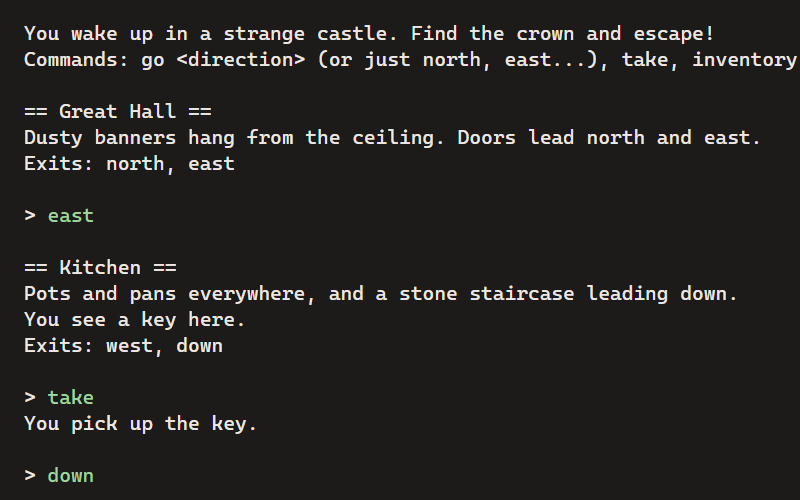
Castle Escape
A text adventure: explore the castle, find the crown, and get out. Type commands to play.
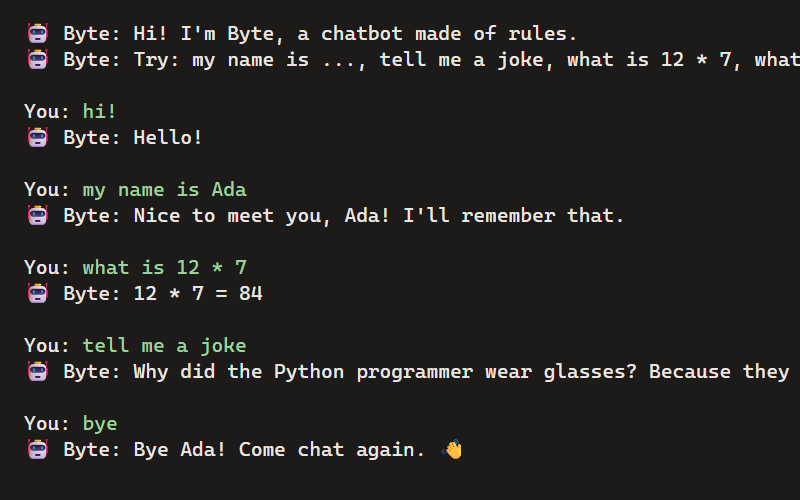
ChatBot Buddy
Build a chatbot from rules: it remembers your name, does math, tells jokes and talks back.
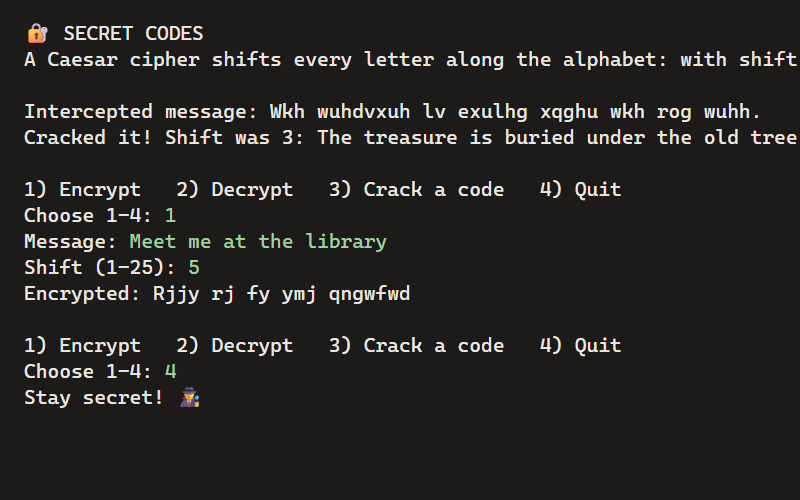
Secret Codes
Encrypt messages with a Caesar cipher, then crack codes without the key, like a real codebreaker.
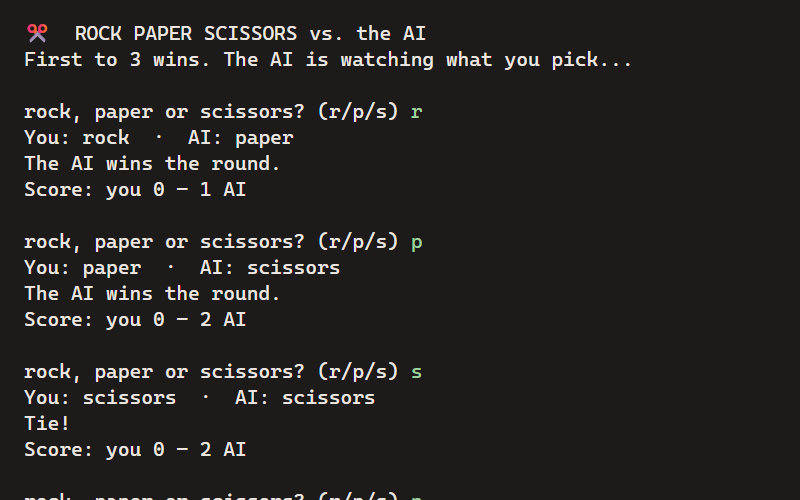
Rock Paper Scissors AI
Play against a computer that learns your habits and tries to predict your next move.
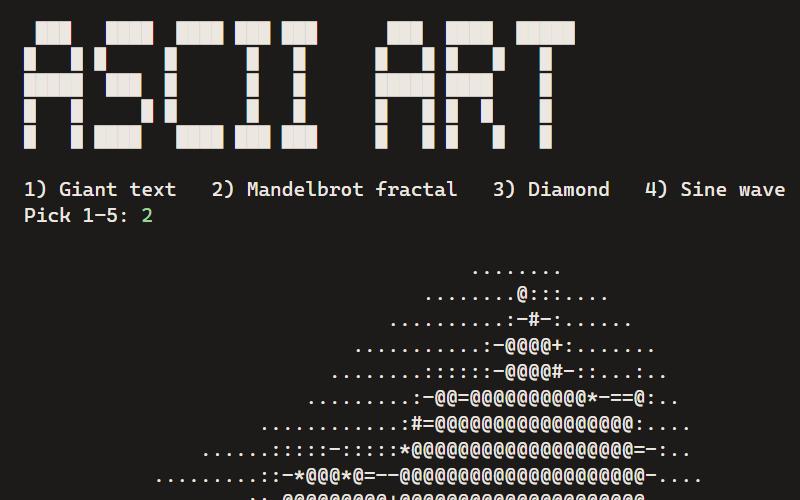
ASCII Art Studio
Turn words into giant banners, draw the Mandelbrot fractal, and make patterns, all out of text.
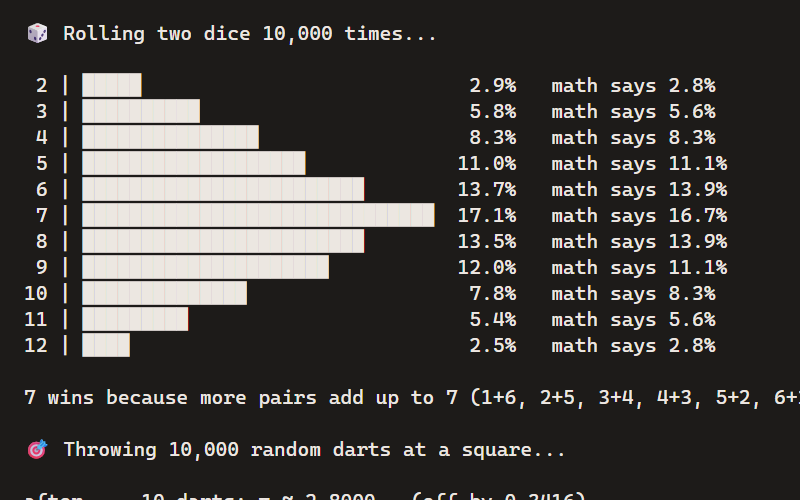
Probability Lab
Roll dice 10,000 times, estimate π by throwing random darts, and see math turn into pictures.
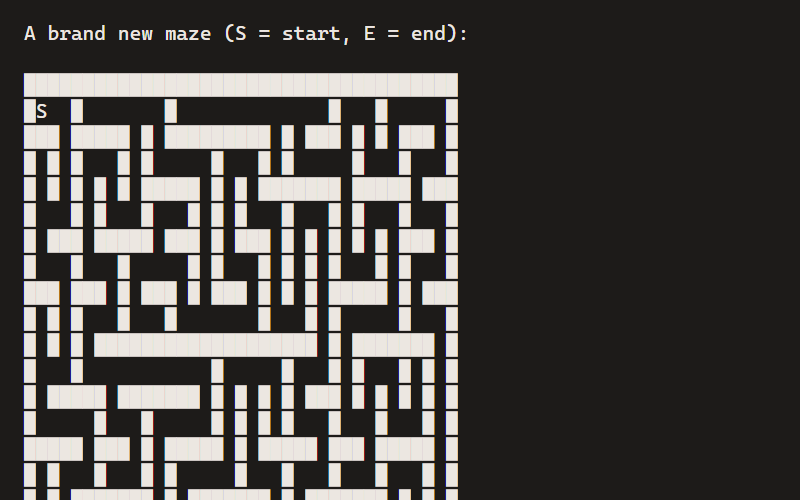
Maze Maker & Solver
Generate a random maze with depth-first search, then solve it with breadth-first search.
Questions
Is this real Python or a simplified version?
Real Python 3, the same language professionals use. The standard library works, and packages like numpy load the first time you import them.
Can kids draw with turtle?
Not yet. Python programs here print text and ask for input. For drawing and animation, try JavaScript projects like Fireworks.
What age is it for?
Kids who can read and type comfortably. The beginner projects explain every part of the code, and the advanced ones (like the maze solver) stretch strong students.
Does my child need an account?
No. Anyone can start as a guest. Under 13s who want to keep their work get a login from a parent or teacher, with no email needed.
What if a program gets stuck in a loop?
Press Stop. It always works, even on while True:, and the page never freezes.
Can they share what they made?
Yes. Publishing gives a Python project its own link. Anyone who opens it can run the program.
More guides
- A Trinket alternativeTrinket closed in August 2026. Here’s what carries over, what doesn’t, and how to move a class.
- Coding on ChromebooksHTML, CSS, JavaScript and Python on school Chromebooks, with nothing to install.
- Coding for homeschoolLogins for each kid, work kept private to your family, and a path through the projects.
- The docsEverything else, step by step.
Try it now. It's free.
No install, no credit card. Kids can start as a guest; grown-ups can set up a class or a family in minutes.