Free for families · private by default
Coding for homeschool families
Give each of your kids their own login, keep everything they make private to your family, and hand out projects the same way a teacher would. It's free, and it runs in the browser on whatever computer you have.
How it works for a family
- Sign up as a parent. You get a family class automatically.
- Add each kid by nickname. They get a secret word, like
bluefox27, instead of an email and password. - Kids sign in at madeinclass.com/class-login with your family code, their name and their secret word.
- Assign a project with instructions and a due date, or let them explore the Remix Library on their own.
- When they turn something in, see their code running next to a feedback box, and mark it Looks good or Needs changes.
The parents' guide has the details.
Why families use it
- Private to your familyNothing your kids make is public unless you decide it should be.
- No kids' emailsWe never ask children for their name or email.
- Real languagesHTML, CSS, JavaScript and Python 3, not a toy language they'll outgrow.
- A portfolioEverything they publish collects on one page, with every version saved. Handy for homeschool records.
- Several kids, one placeEach kid has their own login and projects; you see all of it.
- No installWorks on Chromebooks, Windows, Mac and Linux, in the browser.
A path from first game to real Python
Work through these in order, one or two a week. Each step remixes a working project, so kids always start from something that runs.
- Fireworks (JavaScript): change colors and gravity, and see what code does right away.
- Pixel Painter (HTML, CSS & JavaScript): how a page is built, and how clicks become pictures.
- Snake (JavaScript): a first real game, with arrays, keyboard controls and a game loop.
- Castle Escape (Python): the switch to Python, with
input(), loops and dictionaries. - Rock Paper Scissors AI (Python): a computer opponent that learns your habits.
- Pixel Jumper (JavaScript): a platformer with levels, gravity and collisions.
- Maze Maker & Solver (Python): real computer science, with depth-first and breadth-first search.
After that, kids are ready to start their own projects from scratch. Want a day-by-day plan for the first week? It's in the parents' guide.
The projects in the path
The whole Remix Library →
Fireworks
Click anywhere to launch a firework. Hundreds of glowing particles, a few lines of physics.
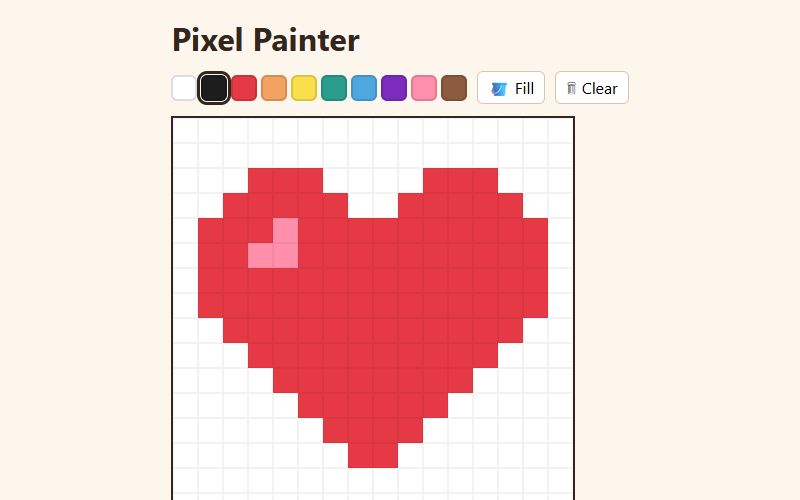
Pixel Painter
A tiny pixel-art editor with a palette, eraser and fill bucket. Your art is saved automatically.
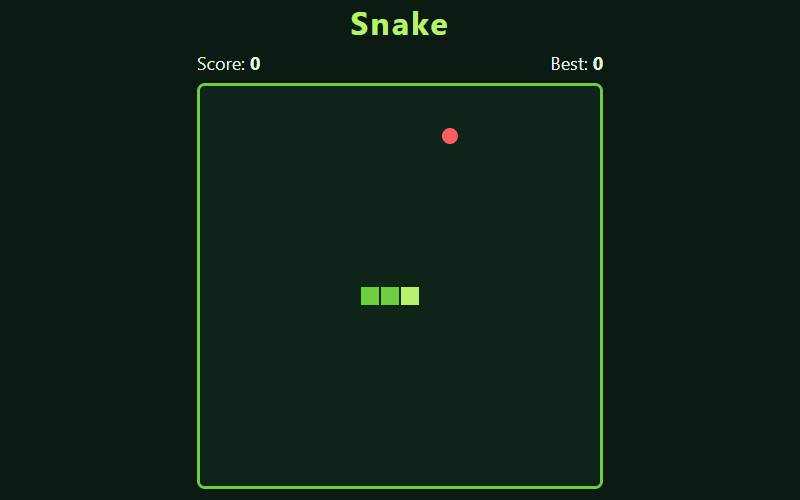
Snake
The classic: eat the food, grow longer, don't bite yourself.
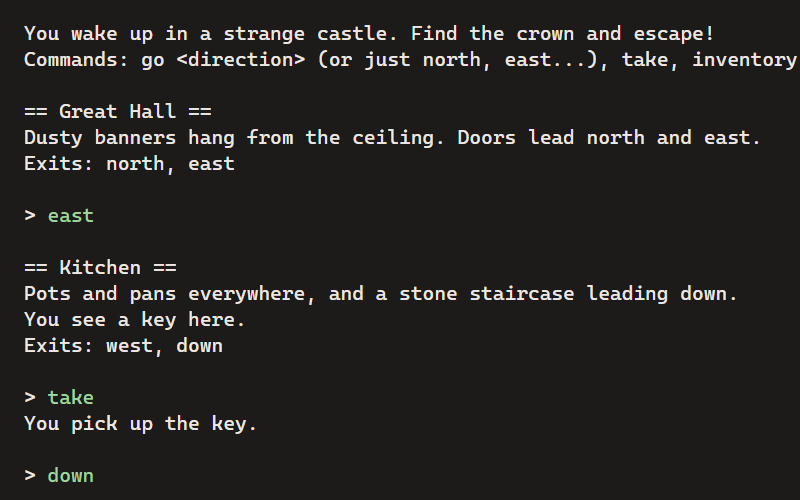
Castle Escape
A text adventure: explore the castle, find the crown, and get out. Type commands to play.
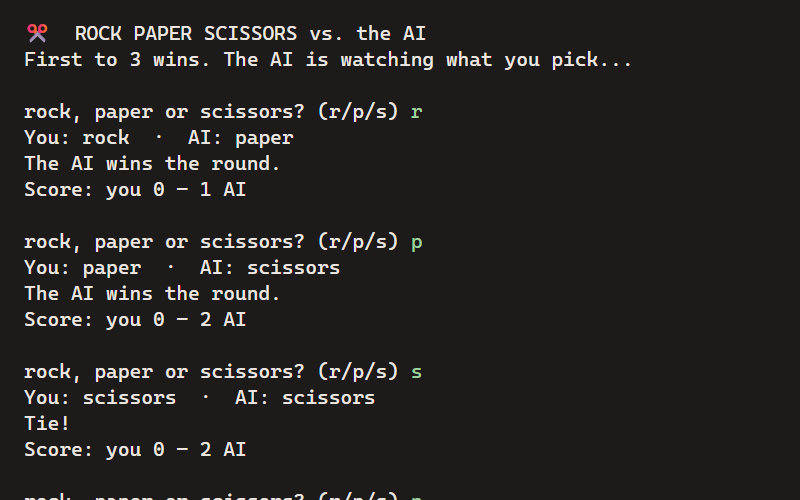
Rock Paper Scissors AI
Play against a computer that learns your habits and tries to predict your next move.
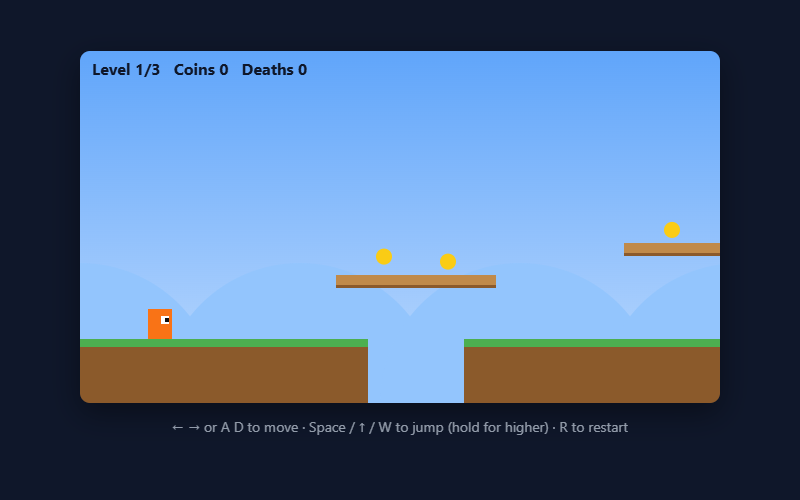
Pixel Jumper
A platformer with 3 levels: run, jump, grab coins, dodge spikes, reach the flag.
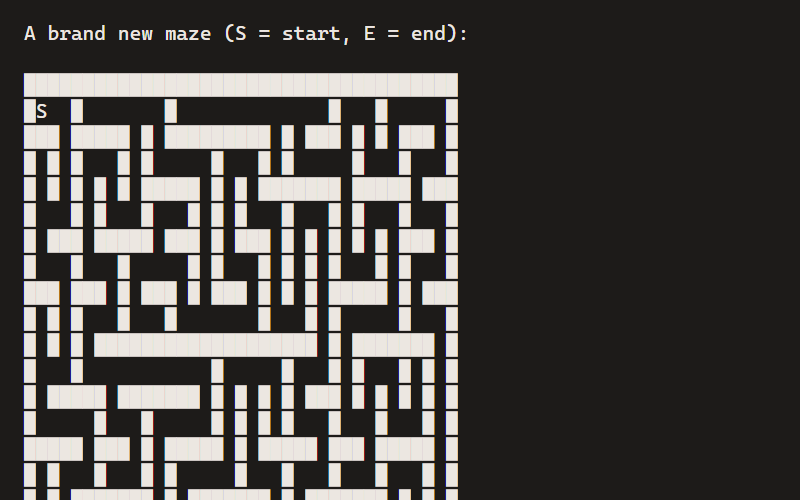
Maze Maker & Solver
Generate a random maze with depth-first search, then solve it with breadth-first search.
Questions
Do I need to know how to code?
No. Every Library project comes with a page explaining how its code works and challenges to try, so you can learn alongside your kids.
What does it cost?
Nothing. Family accounts, the Remix Library and assignments are free, with no ads.
Do my kids need email addresses?
No. You add them by nickname, and each gets a secret word to sign in with. Kids under 13 can only get an account from a parent or teacher.
Who can see what my kids make?
Only your family. Their portfolios stay private unless you choose to make them public.
Is this a full curriculum?
It’s a set of projects and tools, not a scripted course. The path on this page is a good order to work through them, and you can assign any project with your own instructions.
What do we need?
Any computer with a current browser, including Chromebooks. A keyboard makes typing code much easier than a tablet.
More guides
- A Trinket alternativeTrinket closed in August 2026. Here’s what carries over, what doesn’t, and how to move a class.
- Coding on ChromebooksHTML, CSS, JavaScript and Python on school Chromebooks, with nothing to install.
- Python for kidsReal Python 3 in the browser, with games and projects to start from.
- The docsEverything else, step by step.
Try it now. It's free.
No install, no credit card. Kids can start as a guest; grown-ups can set up a class or a family in minutes.